Custom T-Shirt Transfers: A Complete Guide to Personalized Heat Transfers

Custom shirt transfers and personalized heat transfers are often used to describe similar products, but the terms usually point to slightly different needs. A custom transfer might be a brand logo or piece of artwork used across multiple shirts, while a personalized transfer might include a specific name, number, photo, or date.
With DTF printing, both can be produced through the same basic process: your artwork is printed onto film, prepared with adhesive, and transferred to the garment using heat and pressure. What changes is usually the artwork, quantity, garment, and placement rather than the printing method itself.
This guide explains how custom t-shirt transfers work, what to consider when ordering personalized designs, and when it may make more sense to order finished custom apparel instead.
Custom vs. Personalized Heat Transfers: What's the Difference?
There is no separate DTF printing technology specifically for “custom” versus “personalized” transfers. The distinction is mainly about how the design will be used.
- Custom shirt transfers often feature a logo, illustration, brand graphic, event design, or other artwork that may be printed more than once.
- Personalized heat transfers usually contain information unique to a particular item or person, such as a name, jersey number, photograph, birthday, or date.
Both can be printed in full color with DTF. Because the process is digital, complex artwork does not require a separate screen for every print color as traditional screen printing does.
What Goes Into a Custom T-Shirt Transfer?
A DTF transfer begins as digital artwork. The design is printed onto transfer film and prepared with an adhesive layer before being cured. The finished transfer can then be applied to a compatible garment using the recommended combination of heat, pressure, and time.
Since DTF is a digital printing process, multi-color logos, photographs, gradients, and detailed illustrations can all be reproduced without creating an individual screen for every color.
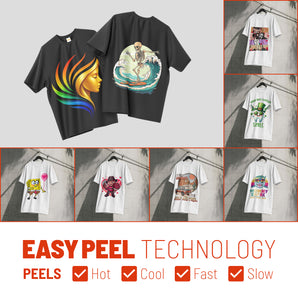
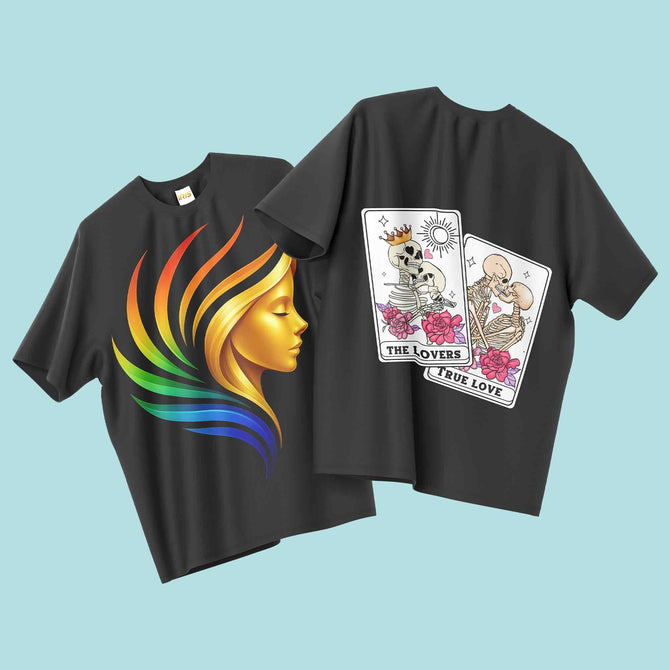
That makes custom t-shirt heat transfers useful for everything from a single personalized shirt to branded merchandise, team apparel, events, and larger product runs.

Choosing a Blank for Your Custom Apparel
The shirt underneath the transfer affects the fit, feel, and overall look of the finished product. Iris DTF offers custom and blank apparel options from brands including Bella+Canvas, Next Level, Gildan, and Comfort Colors.
| Blank | Typical Fabric / Feel | Good Fit For |
|---|---|---|
| Bella+Canvas 3001 | Lightweight Airlume combed and ring-spun cotton with a retail-style fit | Brand merchandise, retail-style apparel, and lightweight everyday shirts |
| Next Level 3600 | Lightweight combed ring-spun cotton with a retail fit | Custom merchandise, teams, events, and everyday printed apparel |
| Gildan 5000 / 64000 | Traditional or softer cotton tee options depending on the style | Events, work shirts, promotional apparel, and larger runs |
| Comfort Colors 1717 | Garment-dyed cotton with a heavier, lived-in feel | Boutique apparel, casual merchandise, and vintage-inspired designs |
There is no single best blank for every design. Consider garment weight, fit, color, intended use, and the size of the transfer before choosing a shirt.
If you want Iris DTF to provide both the garment and the printing, you can browse the custom apparel options instead of ordering transfers separately.
How to Order Personalized Heat Transfers
Personalized designs require a little more attention during file preparation because every variation may be unique.
1. Check Names, Numbers, and Dates Carefully
Review spelling, jersey numbers, dates, and any other personalized information before submitting the artwork. An error in the original file will also appear in the printed transfer.
2. Choose the Size Based on the Placement
A left-chest name, full-front photograph, sleeve graphic, and jersey number all need different dimensions. Choose the transfer size based on where the design will actually be placed rather than relying on one default size.
3. Use High-Resolution Artwork
Iris DTF recommends high-resolution artwork at 300 DPI. This is especially important for photographs or detailed personalized graphics because enlarging a small source image can expose blur and pixelation.
4. Use a Transparent Background When Needed
For artwork that should print without a surrounding box or background color, submit the file with a transparent background. High-resolution PNG and PDF files are among the formats recommended by Iris DTF.
One Transfer or a Gang Sheet?
The best ordering method depends on how many designs you have and how much film space they require.
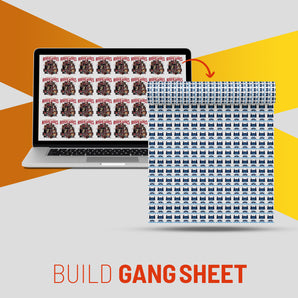
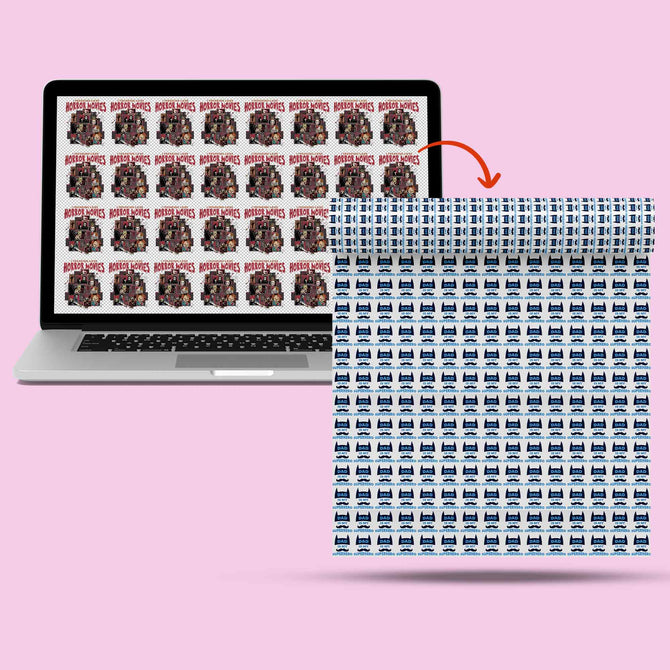
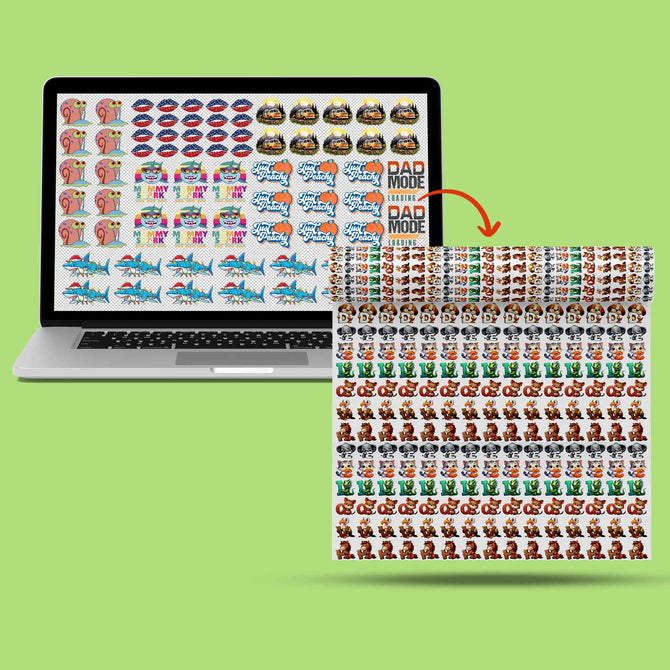
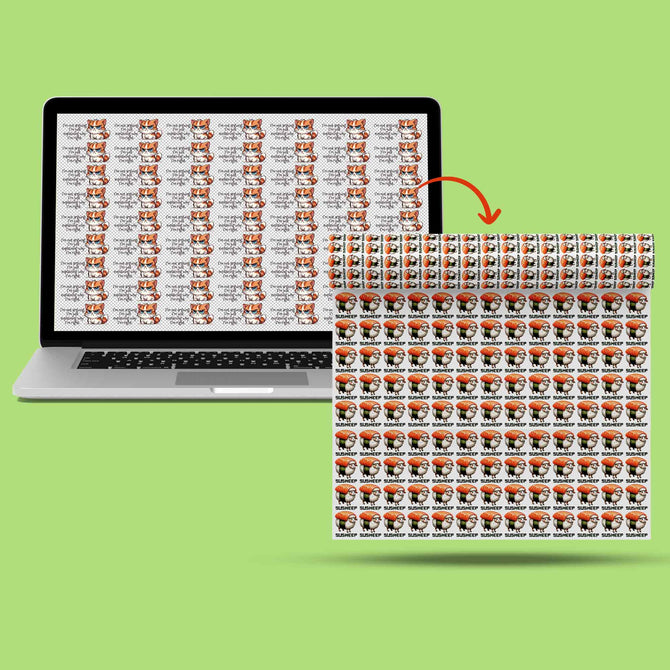
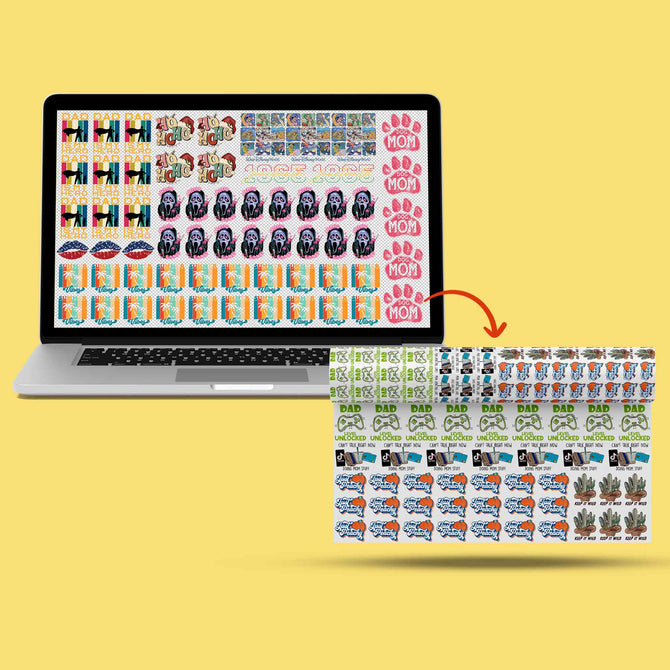
If you need only one or a few transfers, ordering by size keeps the process simple. If you have multiple logos, names, numbers, or other designs, a DTF gang sheet lets you arrange several pieces of artwork on one sheet.
Gang sheets can be particularly useful for team rosters, product collections, multiple logo sizes, and sets of personalized names or numbers.
Choose the Right DTF Ordering Method
From one transfer to a complete sheet of designs


Ordering Finished Custom Apparel
Not every customer wants to press transfers at home or in a print shop. If you want a finished shirt rather than a ready-to-press transfer, custom apparel printing lets you choose the garment and have the design applied for you.
This can be useful for businesses, events, teams, gifts, and creators who want completed apparel without purchasing or operating a heat press.
For brands that want a more finished retail presentation, a custom neck label can also be added as a separate branding element where appropriate.
How Long Do Custom T-Shirt Transfers Last?
The durability of a DTF print depends on several factors, including the garment, correct application, press settings, and how the finished shirt is washed and dried.
For post-application care, Iris DTF recommends waiting at least 24 hours before washing, turning the garment inside out, using cold water and a gentle cycle, and avoiding high dryer heat. Air drying or tumble drying on low heat is gentler on the printed surface.
Following the application and care instructions helps reduce unnecessary wear and gives the transfer the best chance to maintain its appearance through repeated washing.
Common Mistakes to Avoid
- Choosing the wrong transfer size. Match the artwork dimensions to the actual placement before ordering.
- Skipping the spelling check. Names, jersey numbers, dates, and personalized text should be reviewed carefully before submitting the file.
- Uploading a low-resolution screenshot. Whenever possible, use the original artwork rather than a screenshot or small image saved from a screen.
- Leaving an unwanted background in the file. If the design should have transparent areas, remove the background before uploading.
- Assuming every garment needs identical press settings. Fabric type and garment construction can affect the appropriate application settings, so follow the instructions for the material you are using.
Create Your Custom Shirt
Choose your garment, upload your artwork, and order finished custom apparel with no minimum quantity.
The Bottom Line
Custom t-shirt transfers and personalized heat transfers use the same core DTF process. The main differences are the artwork, quantity, placement, and whether each transfer will be reused or customized for an individual item.
For a single graphic or a few transfers, ordering by size may be the simplest option. If you have many names, numbers, logo sizes, or other designs, a gang sheet can help organize them on one sheet. And if you want the garment printed and ready to wear, you can order custom apparel directly from Iris DTF.