The Most Popular Patterns in Custom Apparel Printing

Patterns can turn a basic shirt into something much more distinctive. Floral designs, camouflage, gradients, animal prints, plaid, and geometric artwork can all be used to give custom apparel a stronger visual identity without relying on a simple logo or single line of text.
DTF printing is particularly useful for detailed, multi-color artwork because the design is printed digitally rather than requiring a separate screen for each print color. That gives creators more freedom to work with gradients, fine details, and complex pattern artwork. Here's what to consider when preparing popular pattern styles for DTF printing.
Why Complex Patterns Work Well With DTF Printing
Traditional screen printing uses separate screens as part of the production process, and designs with many colors can require more setup than simple artwork. Depending on the design and printing method, complex artwork may need to be simplified, separated into colors, or reproduced with techniques such as halftones.
DTF transfers use a digital workflow, so full-color artwork can be produced without creating an individual screen for every color. That makes DTF a practical option for patterns containing gradients, multiple shades, fine lines, and detailed illustrations.
Popular Pattern Ideas for Custom Apparel
| Pattern | Where It Works Well | DTF Artwork Notes |
|---|---|---|
| Floral / Botanical | Boutique apparel, gifts, seasonal designs, and statement graphics | Detailed leaves, petals, and soft gradients benefit from high-resolution artwork at the final print size. |
| Camouflage | Streetwear, outdoor-inspired apparel, teamwear, and casual designs | Check contrast between the pattern and garment color so important details remain visible after pressing. |
| Tie-Dye / Gradient | Festival apparel, colorful graphics, youth apparel, and retro-inspired designs | Smooth transitions require a clean source file. Low-resolution gradients can show banding or pixelation when enlarged. |
| Animal Print | Fashion graphics, boutique collections, accent designs, and statement pieces | Irregular spots, scales, and stripes should remain sharp at the intended print dimensions. |
| Plaid / Gingham | Fall-inspired designs, family apparel, rustic themes, and decorative accents | Check line spacing and alignment at actual print size so the repeat remains clean and consistent. |
| Geometric / Abstract | Streetwear, modern branding, minimalist apparel, and bold graphic designs | Clean edges and strong contrast generally make geometric artwork easier to scale across different placements. |
| Polka Dot | Retro designs, kidswear, playful graphics, and smaller accent placements | Review very small dots at final size to make sure they remain clearly defined in the finished artwork. |
Allover Prints vs. Placement Prints
There is an important difference between an allover pattern and a pattern used inside a standard DTF placement.
A true allover print covers most or all of the garment and is usually produced through a different manufacturing workflow, often before the garment is fully cut and sewn. Pressing a DTF transfer onto a finished blank is generally better suited to defined areas such as the chest, back, sleeve, pocket area, or another planned placement.
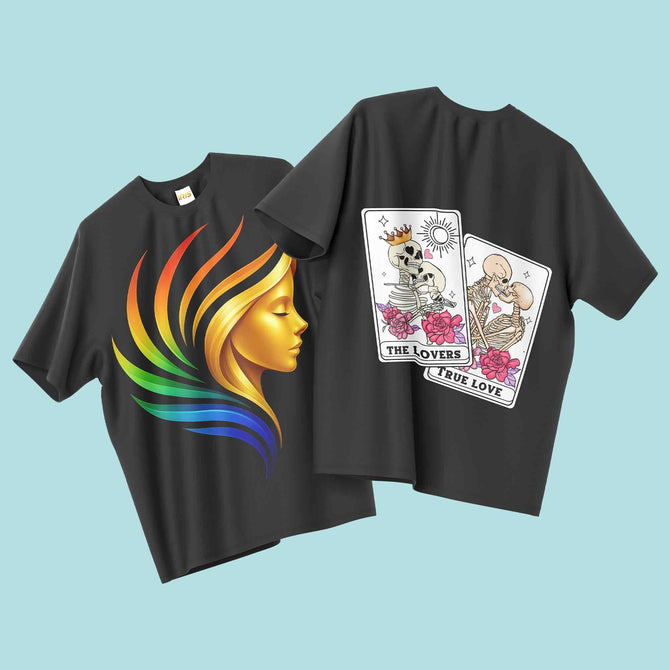
That still leaves plenty of room to work with patterns. A large floral back design, patterned lettering, a camouflage chest graphic, or an animal-print sleeve accent can all be produced as custom shirt transfers and applied to a finished garment.
How to Prepare a Pattern File for DTF Printing
Patterns often contain more detail than a simple logo, so file preparation becomes especially important.
- Start with high-resolution artwork. For raster artwork, prepare the file at 300 DPI at the intended print size whenever possible. Enlarging a small image later can make fine details look blurry or pixelated.
- Review the pattern at actual print size. Zooming in on a design file is not the same as seeing the artwork at the dimensions it will be printed. Check the final width and height before submitting it.
- Check repeating patterns carefully. If your artwork uses a tiled repeat, look for visible seams or mismatched edges before exporting the final design.
- Pay extra attention to gradients. Smooth transitions need enough image information to reproduce cleanly. A higher-quality source file can help reduce visible banding and pixelation.
- Use a transparent background when needed. Anything left in the artwork can become part of the printed transfer, so remove unwanted background areas before submitting the file.
Choosing a Blank That Fits the Pattern
The garment should support the design rather than compete with it. A busy floral, camouflage, or animal-print graphic often stands out best on a relatively simple solid-color blank. More restrained geometric or plaid artwork can also work well on heavier garments such as sweatshirts and hoodies.
Garment color matters too. A design may look very different on black, white, cream, navy, or another colored blank, so consider the contrast between the pattern and the garment before ordering.
If you're testing a design before building a larger collection, starting with a small custom apparel order lets you see how the artwork looks at full size and on the actual garment. You can also explore our blank apparel options if you prefer to press your own transfers.
Printing Multiple Pattern Designs With a Gang Sheet
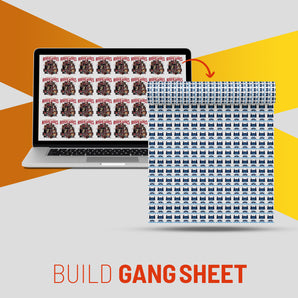
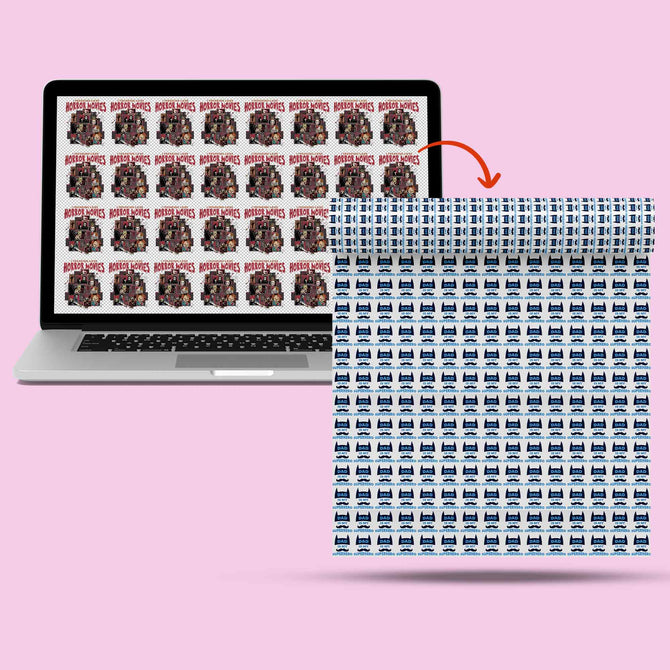
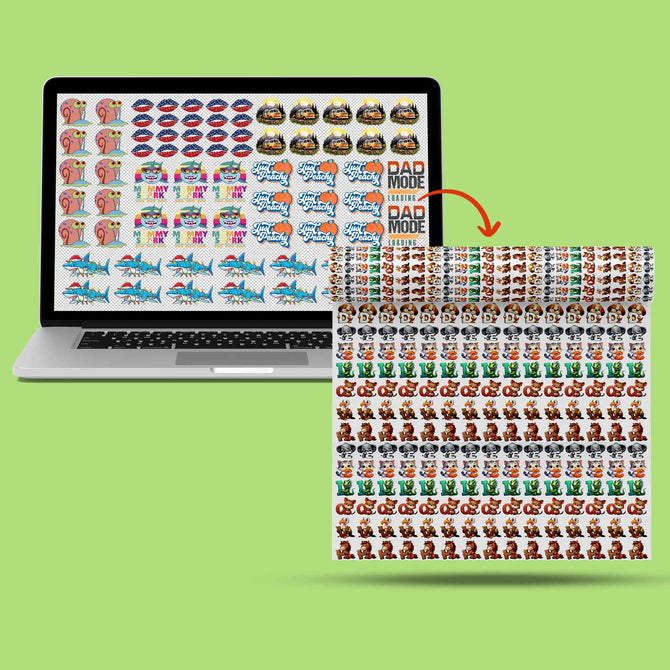
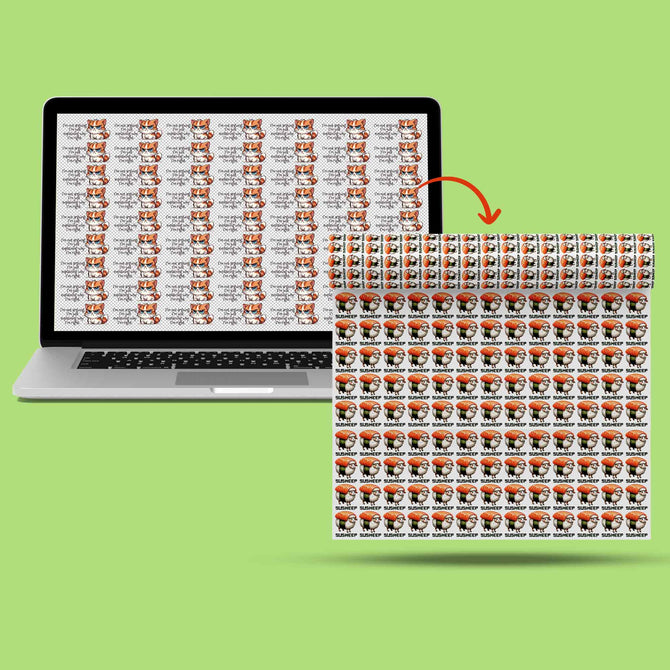
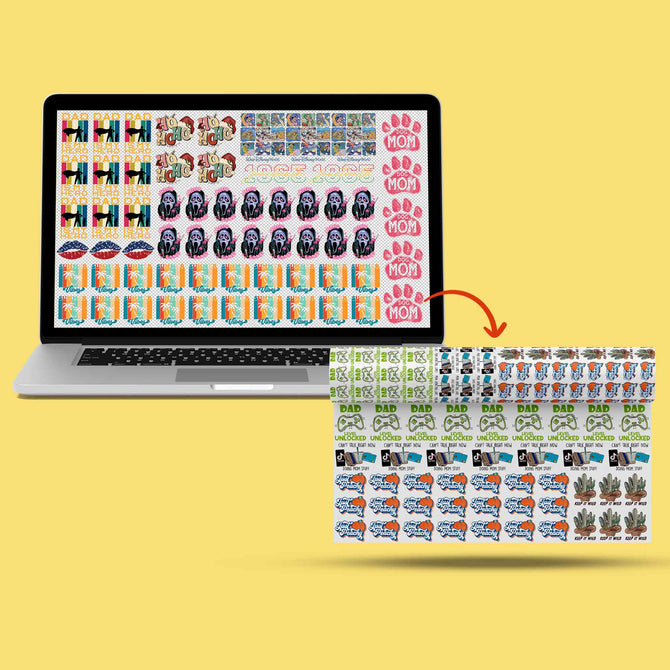
If you want to test several designs or different colorways, a DTF gang sheet lets you arrange multiple pieces of artwork on the same sheet.
For example, you could place a floral design, a camouflage variation, and a geometric version together instead of creating a separate sheet for each one. This can make better use of the available film space when you have several transfers to print.
Choose How You Want to Order
One design or multiple designs on one sheet


Mixing Patterns With Logos, Names, and Text
A pattern does not have to stand alone. You can use patterned fills inside lettering, place a logo over a patterned background, or combine decorative artwork with names, numbers, or other personalized elements.
If the elements are part of one transfer area, they can be prepared together as a single artwork file. If the design uses separate placements, such as a patterned back print and a small logo on the front, those areas will normally be prepared and pressed as separate transfers.
This makes it possible to create more detailed custom apparel while still keeping each placement organized around the garment.
Using Patterns for Seasonal Collections
Patterns are also an easy way to change the feel of a product line without rebuilding every design from scratch. Floral and brighter gradient artwork can suit spring or summer collections, while plaid, darker color palettes, and layered graphics can create a more fall or winter-inspired look.
Instead of treating those associations as fixed rules, use them as creative starting points. Changing the color palette of the same underlying pattern can often give the artwork a completely different seasonal feel.
Turn Your Pattern Into Custom Apparel
Upload your artwork, choose your garment, and create custom apparel with detailed full-color DTF printing and no minimum order requirement.
The Bottom Line
Pattern-based artwork gives custom apparel more visual depth than a basic logo alone, and DTF printing makes it possible to work with full-color designs without preparing a separate screen for every print color.
The key is preparing the artwork correctly. Start with a high-resolution file, review repeating patterns and gradients at the actual print size, choose a garment color that supports the design, and decide whether you need one placement transfer or several separate placements.
Ready to turn your pattern into something wearable? Explore our custom apparel printing options or build a DTF gang sheet to print several designs together.