

How to Make Custom T-Shirts: Pick the Blank, Order the Transfer, Press

Making custom t-shirts used to mean screens, setup fees, and minimum runs. With DTF, it comes down to three decisions: which shirt, which transfer, and how you press it. This guide walks through each step so your first batch of custom apparel comes out right, whether you're making one shirt or preparing a full team order.
Step 1: Choose Your Blank
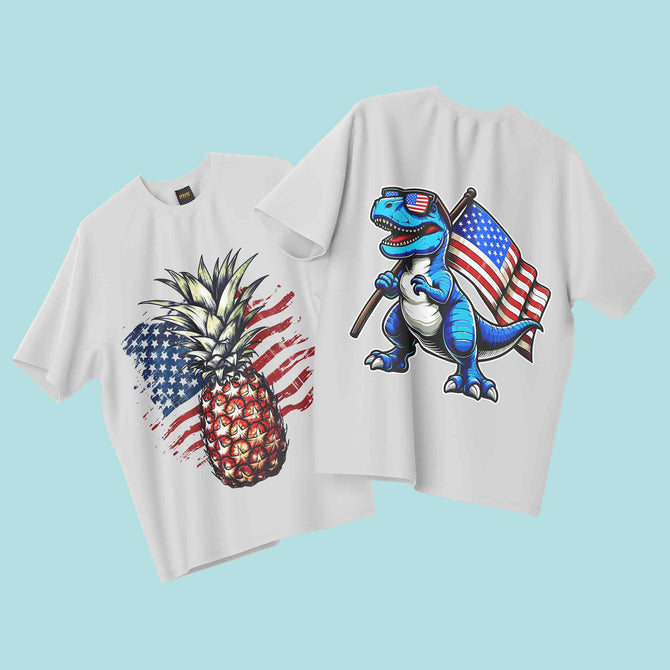
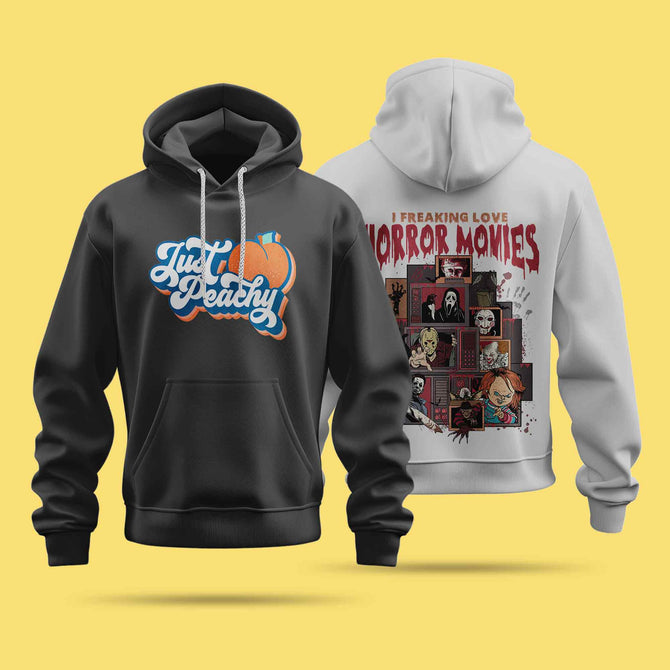
Iris DTF offers blank tees alongside transfers, making it easier to plan your shirt and print in one order. Start by choosing a shirt that suits your design, intended use, and preferred fit.
| Blank Shirt | Available Sizes | Available Colors | Best For |
|---|---|---|---|
| Bella+Canvas 3001CV | S–4XL | 15 colors | Retail lines and a soft, lightweight feel |
| Next Level 3600 | S–3XL | 15 colors | Team orders, events, and testing new designs |
The Bella+Canvas 3001CV is made from 100% Airlume combed and ring-spun cotton and features a retail fit. For team orders and events, Next Level custom shirts are another option to consider.
Other available blank options include Gildan, Comfort Colors, and Bella+Canvas CVC styles. Visit our custom apparel page to explore available shirts and current options.
Step 2: Get Your Artwork Print-Ready
Your artwork file plays an important role in how sharp your finished custom shirt looks. Prepare your design at 300 DPI at its final print size, and save it as a PNG with a transparent background or as a PDF.
- Set the final dimensions: Design at the size you actually want to print instead of relying on enlargement later.
- Use a suitable file format: Export your artwork as a transparent PNG or a PDF.
- Embed your images: Make sure all images are embedded in your file. Linked images can go missing when a file is opened on another computer.
- Review the details: Check text, names, spelling, edges, and the overall layout before submitting your artwork.
Preparing a clean, print-ready file before ordering helps reduce avoidable artwork problems and makes the production process smoother.
Step 3: Order Your Custom T-Shirt Transfers
Once your artwork is ready, choose the right custom apparel solution for your project. If you have one design, order custom t shirt transfers by size and select dimensions that suit your intended placement.
Not sure how large a chest logo or full-back design should be? Consider the available print area on your shirt and the visual effect you want before choosing your transfer dimensions.
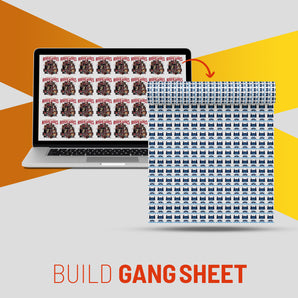
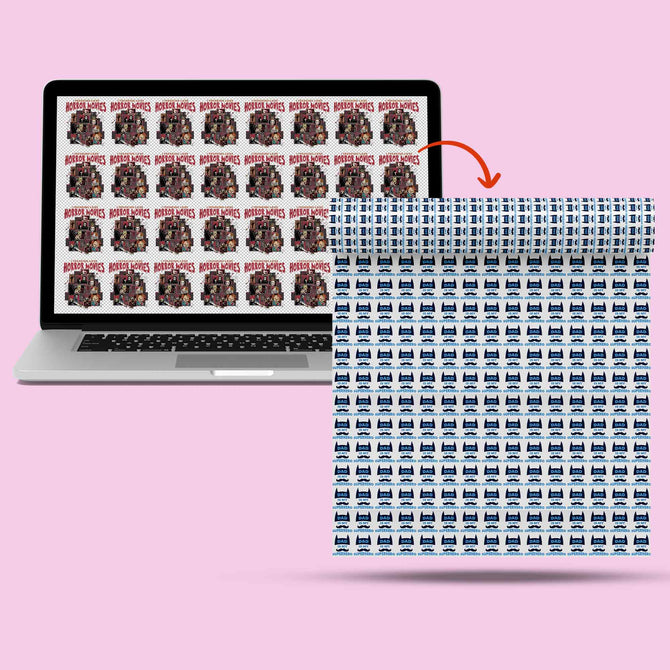
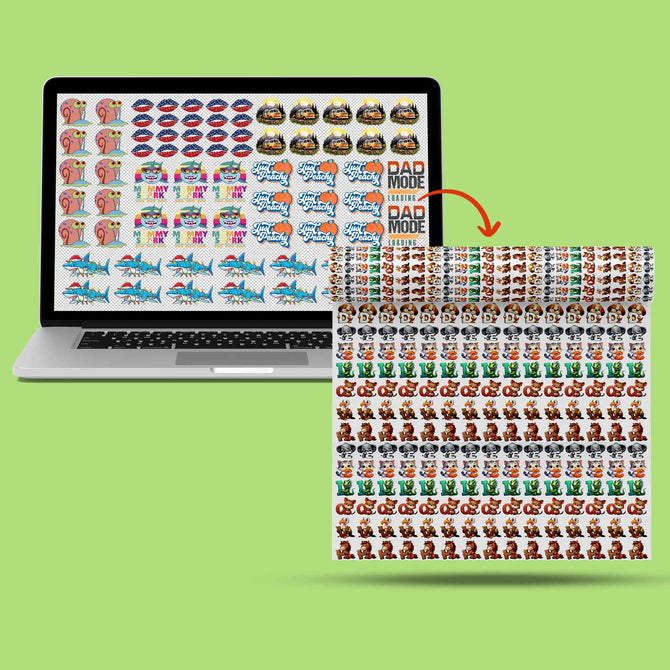
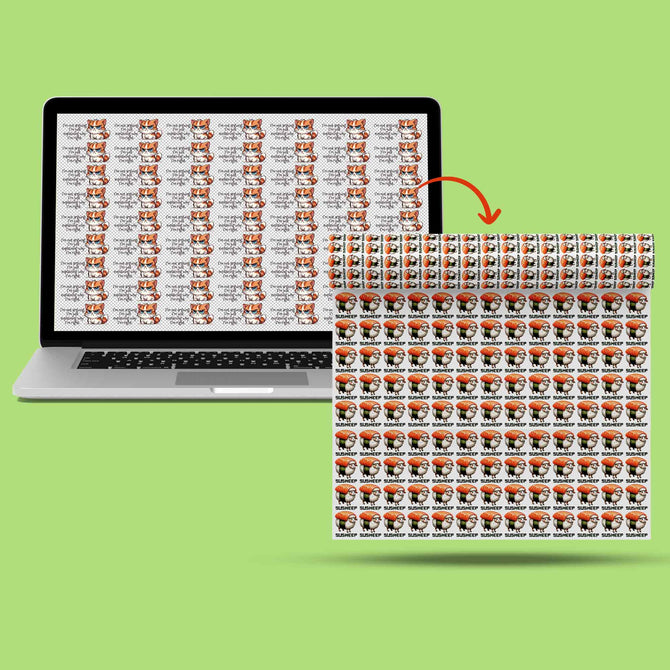
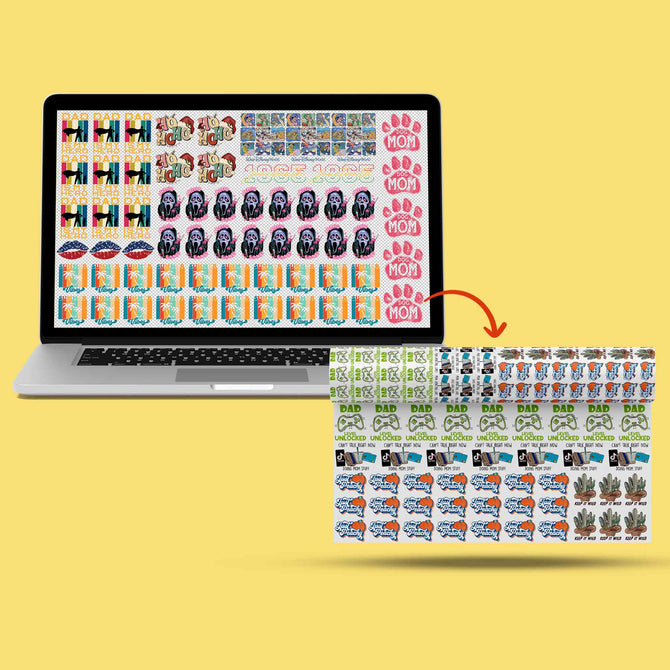
Working with several designs, or printing the same design in different sizes? Use the DTF Gang Sheet Builder to arrange multiple designs on one sheet. Set each design to its final print size before placing it, because each design prints at the dimensions shown in the layout.

Ordering blank shirts and transfers together can also make it easier to organize your custom apparel project. You can plan your garment selection and artwork in one place instead of managing separate orders.
Step 4: Press It Onto the Shirt
Custom t shirt heat transfers can be applied using a heat press or a household iron. Before pressing, position the transfer where you want the design to appear, keeping it away from seams and folds.
- Position the design: Lay the shirt flat and place the transfer in the intended position.
- Apply pressure: Press using the recommended pressure and follow the application instructions for your transfer.
- Peel the film: Peel the carrier film according to the product-specific instructions, which will specify whether to peel hot or cold.
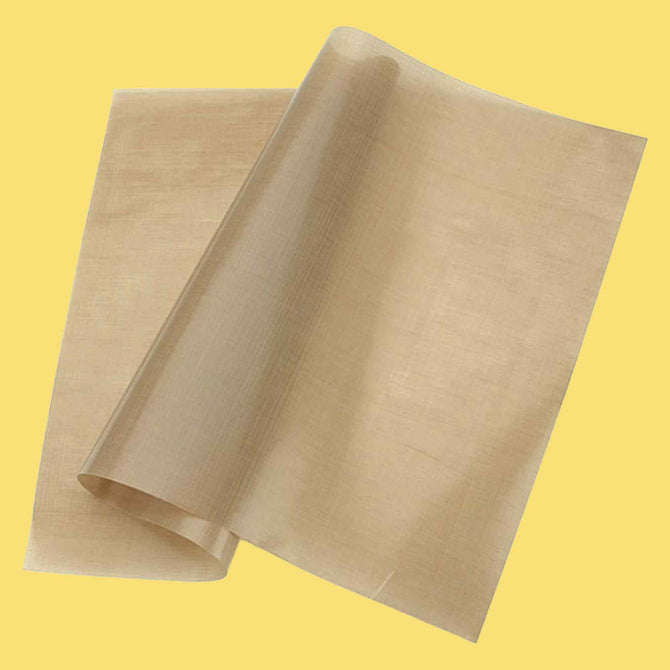
- Press again: For the finishing press, cover the design with parchment paper and press once more after peeling, following the recommended application instructions.
For additional guidance on heat presses, household irons, and Cricut EasyPress, consult the applicable step-by-step pressing instructions before starting your project.
Personalized Heat Transfers for One-of-a-Kind Shirts
Names, jersey numbers, and birthday dates can turn a standard shirt into something personal. Personalized heat transfers work like other DTF designs, so a single name costs the same as a logo of the same dimensions.
When preparing personalized designs, treat each name as its own piece of artwork and proofread every spelling before submitting the file. This is especially important for team shirts, family events, birthdays, and other orders that include multiple names or numbers.
With no minimum order requirement, you can order one personalized shirt or prepare a larger batch for a group. The same basic process applies: prepare the artwork, choose your transfer size, and apply it according to the instructions.
How to Keep Custom Shirt Transfers Looking New
Proper care helps your custom shirt transfers stay in good condition. After applying the design, wait 24 hours before the first wash so the print can set.
- Wash inside out: Turn the shirt inside out before washing to help protect the printed design.
- Use cold water: Wash with cold water and a mild detergent.
- Avoid harsh laundry products: Skip bleach and fabric softener.
- Choose gentle drying: Hang the shirt to dry or tumble dry on low heat.
- Protect the print when ironing: Never iron directly on the design. If you need to remove a wrinkle, place a cloth over the printed area first.
Following these care steps helps you maintain the appearance of your DTF print over time.
Ready to Make Your Own Custom T-Shirts?
Choose your blank, prepare your artwork, and order your custom shirt transfers from Iris DTF. You can plan a single personalized shirt or coordinate a larger custom apparel order for your team, event, or business.
Ready to Create Your Custom Shirts?
Choose your blanks, prepare your artwork, and order custom apparel and DTF transfers from Iris DTF.
- Customizable Designs
- No Minimum Order
- DTF Transfer Solutions
How to Make Custom T-Shirts: FAQ
What do I need to apply custom t shirt transfers at home?
You need a blank shirt, the transfer, and a heat press or household iron. Keep parchment paper or a Teflon sheet on hand for the second press after peeling. Follow the specific application instructions provided with your transfer.
Are personalized heat transfers more expensive than regular designs?
Transfers are priced by size rather than by the design itself, so a name or a photo costs the same as a logo with the same dimensions.
Can I order custom shirt transfers and blank shirts together?
Yes. Add your blank shirts and transfers to the same order. Both can be ordered together, making it easier to organize your custom apparel project. Check the current shipping and processing details before placing your order.
Are Next Level custom shirts a good choice for DTF?
Yes. The Next Level 3600 is one of the blank shirts available for custom apparel. It comes in a range of sizes and colors, making it an option for team orders, events, and personalized projects. Visit our custom apparel page to check current availability.
How long do custom t shirt heat transfers last?
When applied correctly and washed inside out in cold water, a DTF print can be highly durable. Follow the recommended application and care instructions to help maintain the design.