
Troubleshooting DTF Transfers: The 2026 Guide to Perfect Presses

What Is This Article About?
You just ruined a $45 premium hoodie because the design peeled off like a cheap sticker. It's a frustrating, expensive mistake that hits your bottom line hard. Even as DTF technology captured $1.5 billion of the custom apparel market last year, many shops still struggle with the technical chemistry of a perfect peel. Mastering troubleshooting dtf transfers isn't just about turning up the heat. It involves calibrating your environment, your artwork, and your mechanical settings to work in total harmony.
We understand the sinking feeling of a failed production run. You've spent hours on a project only to watch it fail at the heat press. You need vibrant, wash-durable prints that don't crack or lift. This guide is your roadmap to a repeatable, fail-proof pressing process. We'll show you how to fix common adhesion issues and adjust for environmental factors like the DFW humidity. Stop wasting expensive blanks. It's time to master the art of the perfect press and deliver results that last through 50+ wash cycles with total confidence.
Key Takeaways
- Master the "Triangle of Success" by learning how to perfectly calibrate heat, pressure, and time for every fabric type.
- Stop losing money on ruined garments by identifying the hidden causes when troubleshooting dtf transfers, from trapped fabric moisture to uneven powder application.
- Debunk the "heavy pressure" myth and find the precise 40-60 PSI sweet spot that ensures a permanent, professional bond.
- Ensure crisp edges and vibrant designs by mastering the 300 DPI resolution standard and fixing thin white ink backings.
- Learn how professional-grade transfers and local Richardson expertise can eliminate 90% of common production failures.
Why DTF Transfers Fail: Identifying the Core Culprits
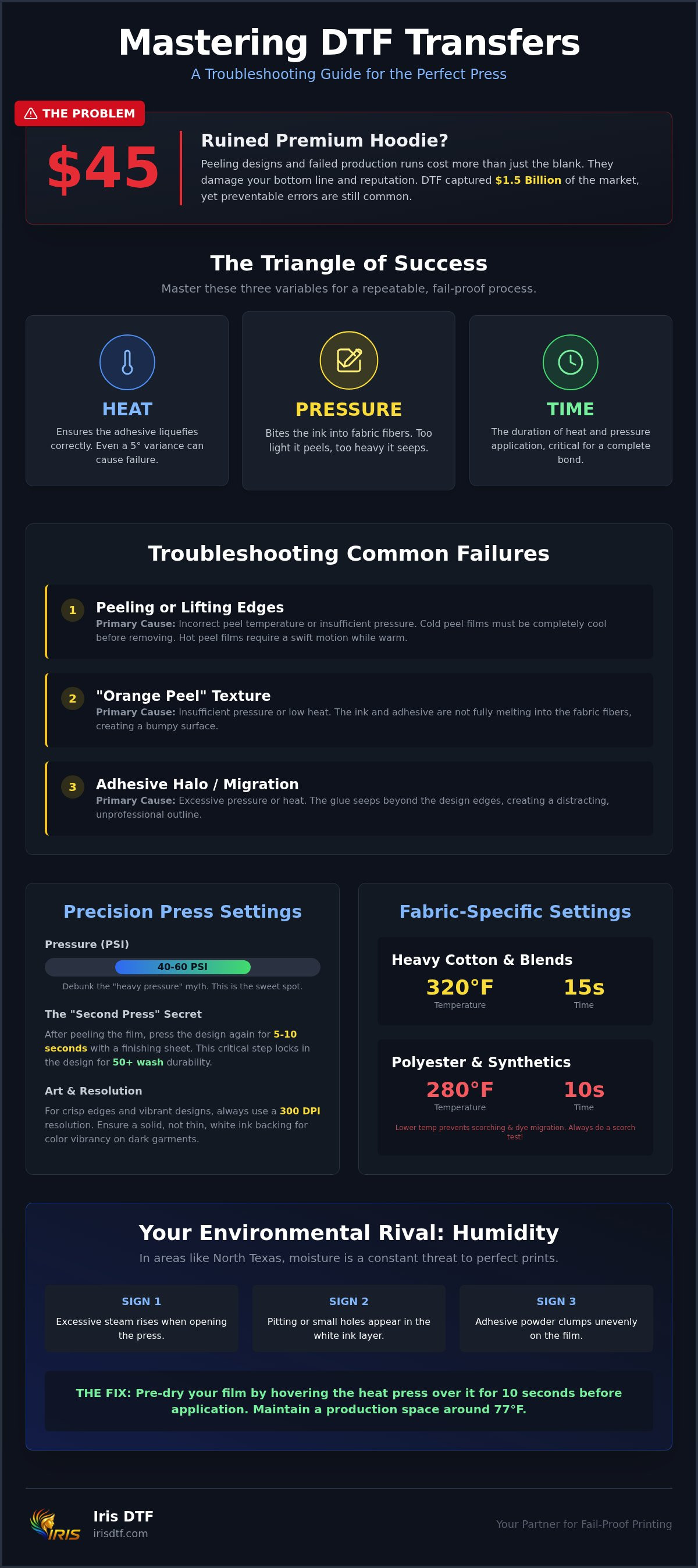
Failure isn't just a lost print. It's a direct hit to your reputation and your wallet. Most production issues manifest as peeling, cracking, or dull color shifts that look unprofessional. The Direct-to-film (DTF) printing process relies on a specific sequence of chemical and mechanical events. If one link breaks, the whole chain fails. You must master the "Triangle of Success": Heat, Pressure, and Time. If your heat press is off by even five degrees, the adhesive won't liquefy. If pressure is too light, the ink won't bite into the fabric fibers. Effective troubleshooting dtf transfers begins with isolating whether the fault lies in the transfer itself or your application process.
Isolating the issue is your first priority. If a transfer peels immediately, it's usually an application error. If it cracks after one wash, it might be a curing problem from the manufacturer. We've found that nearly 90% of failures are preventable with a few simple calibration checks. In a fast-paced shop, you don't have time for guesswork. You need a methodical approach to these variables to keep your production line moving.
The Anatomy of a Failed Press
Look closely at the edges of your design. If they lift cleanly, you likely ignored the specific peel temperature of the film. Cold peel films require total cooling; hot peel films need a swift, confident motion while still warm. If you notice an "orange peel" texture, your ink isn't melting correctly into the fibers, which is often caused by insufficient pressure or low heat. Adhesive migration is the seepage of glue beyond the design edges. This creates a distracting, glue-like halo around your artwork that ruins the professional finish of your custom tshirts.
Environmental Factors in North Texas
In Richardson, humidity is your constant rival. High moisture levels in the air turn your PET film into a sponge, leading to "bubbly" prints or ink rejection. Humidity management is a core part of troubleshooting dtf transfers in the DFW area. Keep your production space at an optimal 77°F to ensure consistent results. If your film feels tacky or "wet" before pressing, use your heat press to hover over the transfer for 10 seconds. This pre-dries the film and saves the print from failure. Consistent results require a stable environment, especially during the humid Texas spring.
Watch for these three signs of moisture interference during your next run:
- Steam rising excessively when you open the heat press.
- Pitting or small, visible holes in the white ink layer.
- Adhesive powder clumping unevenly on the film before curing.
Addressing these environmental cues immediately will stop production waste before it starts. Don't let a rainy day in Dallas ruin your production schedule.
The Science of the Press: Mastering Temperature, Time, and Pressure
Your heat press display is lying to you. It's a common reality in shops across North Texas. Most entry-level presses have a variance of 10 to 20 degrees across the heating element. When you're troubleshooting dtf transfers, start with a laser thermometer check. Aim for consistent readings at the center and all four corners. If the heat is uneven, your transfers will peel in some spots while scorching in others. Precision is the difference between a professional product and a wasted blank. Correcting these thermal gaps is the first step toward a fail-proof production line.
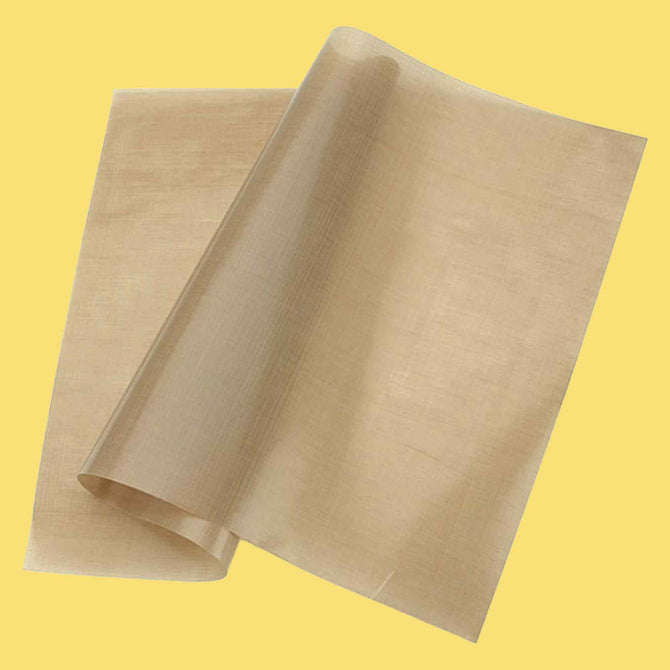
Forget the "heavy pressure" myth. You don't need to struggle to close your press. Aim for a medium-to-firm pressure between 40 and 60 PSI. This range ensures the TPU powder liquefies and bonds with the garment fibers without crushing the ink. Over-pressing can cause the adhesive to seep too far, resulting in a stiff, uncomfortable print. A standard 15-second press at 320°F for cotton is your baseline. However, the real durability comes from the "Second Press" secret. After peeling the film, press the design again for 5 to 10 seconds with a finishing sheet. This final step locks the design into the fabric, ensuring your custom tshirts survive 50+ wash cycles.
Heat Press Settings for Common Fabrics
Not all blanks are created equal. Heavy cotton like Comfort Colors can handle 320°F easily. High-performance polyester is different. Synthetics require a lower temperature, usually around 280°F, to prevent scorching or dye migration. Always perform a "Scorch Test" on a hidden area or a scrap piece of fabric before a full production run. If you're seeing ghosting or color shifts, your temperature is likely too high for the specific blend. Mastering these fabric-specific variables will drastically reduce your waste rate.
Home Iron vs. Commercial Heat Press
A home iron is a recipe for failure in a commercial setting. It lacks the vertical pressure and consistent heat distribution required for a permanent bond. While manual body weight and a laser thermometer can help hobbyists, they won't provide the repeatable results a business needs. If you're still using a home iron, you'll spend more time troubleshooting dtf transfers than actually printing them. Professional-grade equipment is the only way to guarantee the speed and precision your customers expect. If your business is growing, an industrial press is your most important investment.
Solving Adhesion Agony: Why Your DTF Transfers Won't Stick
Adhesion is the moment of truth. If the bond fails, your garment is scrap. When troubleshooting dtf transfers, the most common culprit isn't the ink. It's the preparation. You must perform a 5-second pre-press on every single garment. This non-negotiable step removes hidden moisture trapped in the fibers. In humid climates like North Texas, fabric acts as a sponge. If you skip the pre-press, that moisture turns to steam during the transfer. This creates a barrier that prevents the adhesive from ever making contact with the thread.
Powder application is your next checkpoint. Uneven TPU powder creates "bald spots" where the design simply refuses to stick. You need a uniform, "sugar-like" coating across the entire white ink layer. If your powdering is inconsistent, your durability will be too. Be wary of brand-new polyester or waterproof garments. These often come with factory coatings or oils that repel adhesives. A quick pre-wash or a longer pre-press can sometimes break through these barriers. Don't let a factory chemical ruin a high-value order.
The "Cold Peel" trap is a frequent production killer. Rushing the peel before the film has completely cooled will tear the adhesive away from the fabric. Patience is a tool. Wait for the film to be room temperature to the touch. This allows the TPU to solidify and lock into the weave. If you peel too early, you're fighting physics, and you will lose every time.
Step-by-Step Recovery for Peeling Designs
If you start to peel and see an edge lifting, stop immediately. Lay the film back down exactly where it was. Use the "Reverse Press" technique. Flip the garment over and press from the back for 10 seconds. This pulls the heat through the fabric and re-liquefies the adhesive directly into the fibers. Before you try again, ensure the garment is free of lint or stray threads. A single piece of hair can break the seal and cause a localized failure point.
Durability and the Wash Test
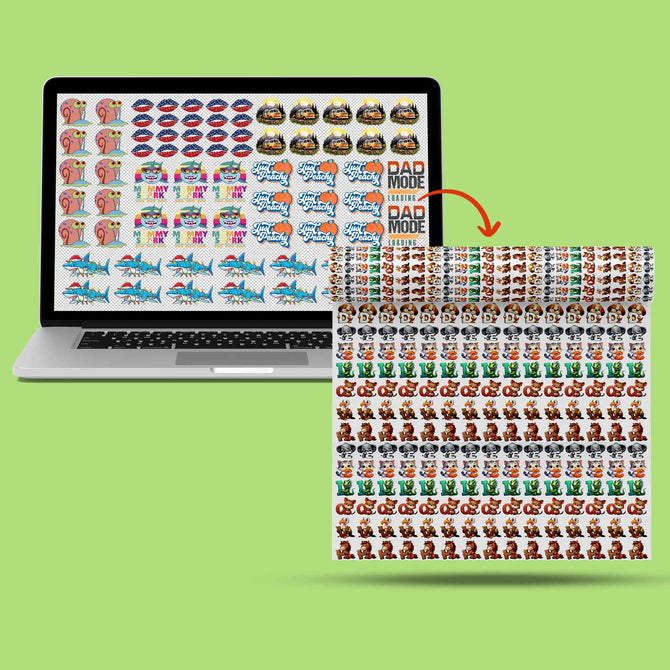
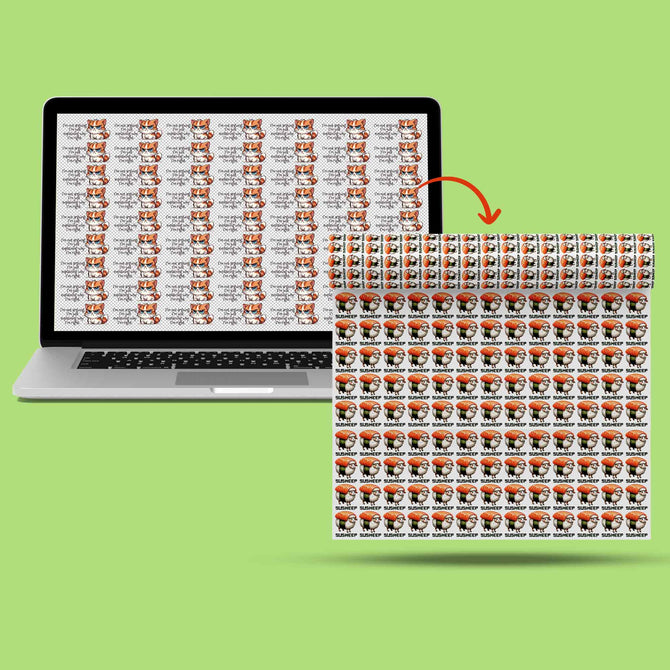
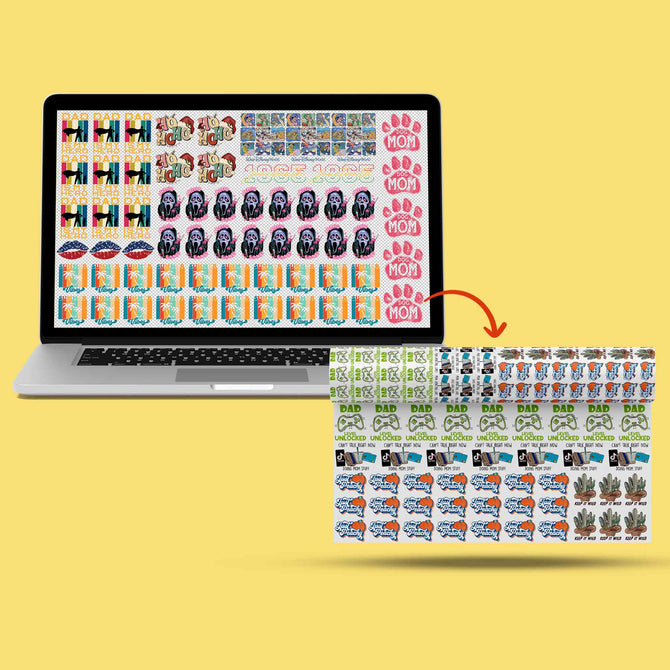
Cracking after the first wash is a clear sign of under-curing. If the powder isn't fully melted into a smooth, plastic-like finish before pressing, it won't be flexible. This is especially critical when you are Mastering DTF Gang Sheets for high-volume orders. You need consistency across every square inch of the film. When applied correctly, proper adhesion should withstand 50+ industrial wash cycles without lifting or fading. High-quality troubleshooting dtf transfers ensures your work lasts as long as the garment itself.
Art and Ink: Troubleshooting Color Shifts and Low-Resolution Prints
Bad art equals bad results. Period. Your design is only as good as the source file you provide. Troubleshooting dtf transfers often starts at the computer screen long before the heat press even warms up. 300 DPI is the industry law. Anything less results in jagged, pixelated edges that look amateur. If you scale up a low-res web thumbnail, you're asking for failure. High-definition prints require high-definition data. Precision begins with your pixels.
Then there is the "White Ink Wall." This occurs when your white backing layer is too thin to block the garment color. If you're pressing a vibrant yellow onto a black hoodie and it looks muddy, your white ink density is the culprit. You need a solid, opaque white base to act as a canvas for the CMYK layer. Without that structural backbone, your colors will never pop. It's a common settings failure that ruins high-value orders. Don't let a thin base layer compromise your brand's quality.
Your monitor is lying to you. It operates in RGB light, while our high-capacity printers use CMYK ink. This is a frequent pitfall for creators in Dallas. That electric neon green on your screen might turn into a swampy forest green in the real world. Always design in a CMYK color profile. This ensures your expectations match the physical reality of the ink. Digital accuracy is the first step toward physical perfection.
Preparing Art for Perfect Prints
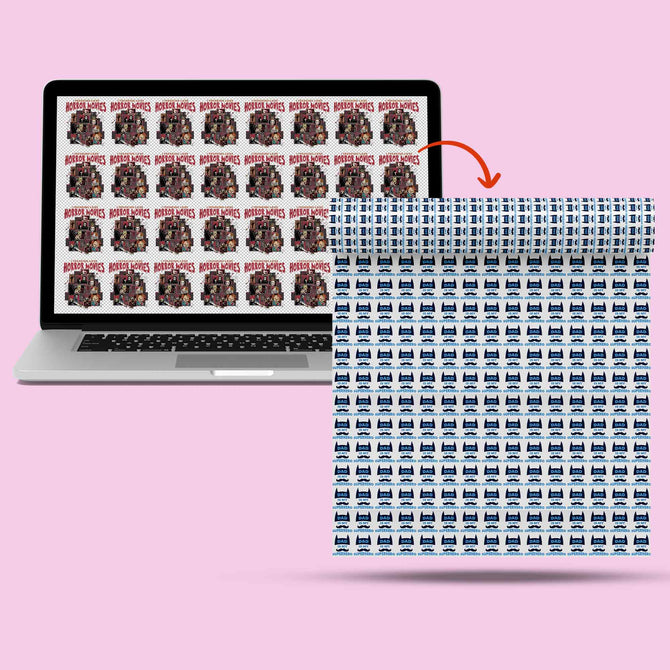
Follow the "No Transparency" rule. DTF printers are incredibly precise. They will try to print every pixel they detect, even those with 1% opacity. These "stray" pixels attract adhesive powder, creating a fuzzy, "dirty" halo around your graphic. It looks like a mistake because it is one. For large scale gang sheets, vector files are your best friend. They allow for infinite scaling without any loss of quality. For a deeper dive into file optimization, see our Custom DTF Transfers Guide.
Ink Smudging and Oil Spots
Ink bleed is a humidity nightmare. If your shop environment is too damp, the ink won't set on the film correctly. This leads to smudged details and blurred lines. Oil spots are another silent killer. These typically manifest as "fish eyes" where the ink or powder refuses to stick. They are often caused by skin oils from improper handling. Always handle your PET film by the edges. Using premium DTF ink with the correct chemical viscosity is essential for maintaining crisp lines. Ready to see the difference professional art prep makes? Start your next project with our high-definition custom transfers today.
Iris DTF: Your Richardson Partner for Fail-Proof Printing
Stop fighting your equipment and start building your brand. Most of the time spent troubleshooting dtf transfers is actually spent compensating for low-quality consumables or poor film curing. When you partner with Iris DTF, you bypass the trial-and-error phase entirely. Our professional-grade transfers eliminate 90% of common production failures. We handle the technical calibration so you can focus on the press. It is a faster, more profitable way to run your shop. You get to reclaim your time and protect your profit margins.
Local support is our backbone. Our Richardson facility isn't just a production hub; it's a resource for the entire North Texas apparel community. Whether you are coming from Plano, Garland, or downtown Dallas, we provide the face-to-face expertise that big-box online vendors can't match. We understand how the specific DFW climate affects your printing. We have tested our custom transfers for 50+ wash cycles to ensure they survive the Texas heat and heavy industrial laundering. This local expertise is your secret weapon against production waste.
The Iris Quality Guarantee means your order never leaves our floor without a rigorous inspection. We check every gang sheet for ink density and powder consistency. This ensures that every square inch of your design is ready for a permanent bond. No bald spots. No dull colors. Just perfect results every time you close your heat press. Our team takes pride in being the behind-the-scenes engine for your commercial success. We treat your orders with the same precision we would our own.
Wholesale Supplies and Bulk Support
Scaling from a hobbyist to a commercial brand requires more than just a printer. You need access to the same premium inks, powders, and films used by industry leaders. Our Richardson team provides the wholesale supplies you need to keep your production moving without interruption. If you've been searching for DTF Near Me, you've found a partner dedicated to your growth. We provide the high-capacity support necessary for massive commercial demands while maintaining a commitment to personalized service.
Get a Perfect Press Every Time
Leverage a US-based pioneer with over 10 years of industry expertise. We've seen every failure and perfected every solution in the book. Troubleshooting dtf transfers shouldn't be your full-time job. Ready to stop troubleshooting and start selling? Your customers deserve the best, and you deserve a stress-free production day. We offer same-day printing and shipping for orders placed before 2 p.m. Central Time with no minimum order quantity. Order Your Custom DTF Gang Sheets Today and experience the Iris DTF difference.
Master the Press and Scale Your Brand
Achieving a flawless finish shouldn't be a guessing game. By mastering the "Triangle of Success" and accounting for North Texas humidity, you've already won half the battle. Success relies on precise calibration, 300 DPI art preparation, and a non-negotiable pre-press. Mastering troubleshooting dtf transfers is the final step in turning a production struggle into a high-capacity commercial powerhouse. You now have the roadmap to stop wasting blanks and start delivering results that stand the test of time.
When you're ready to eliminate technical headaches for good, we're here to help. Iris DTF brings 10+ years of expertise and a Richardson, TX local facility directly to your production line. Our custom transfers are tested for 50+ wash cycle durability, ensuring your customers get the quality they pay for every single time. Don't let production errors slow your momentum. It's time to build your business on a foundation of professional reliability and guaranteed satisfaction.
Order Your Custom DTF Transfers from Iris DTF
Your next perfect press is just one order away. Let's get to work.
Frequently Asked Questions
Why is my DTF transfer peeling after the first wash?
Peeling after the first wash is typically caused by under-cured TPU powder that never fully bonded with the ink. If the powder wasn't melted into a smooth, plastic-like state before pressing, it won't be flexible enough to survive the agitation of a washing machine. Ensure you are using medium-to-firm pressure (40-60 PSI) to force the adhesive into the garment fibers for a permanent, durable bond.
What is the correct temperature and time for pressing DTF transfers?
The industry standard for cotton garments is 320°F for 15 seconds. For synthetic fabrics like polyester, you should drop the temperature to approximately 280°F to prevent scorching or dye migration. Always follow your specific film manufacturer's guidelines, as some 2026 films are optimized for lower heat. A finishing press of 5 to 10 seconds after peeling is essential to lock in the design and ensure maximum durability.
Can I use a home iron to apply professional DTF transfers?
You shouldn't use a home iron for professional results because it cannot provide the consistent heat and vertical pressure required for a lasting bond. Home irons often have "hot spots" and steam holes that create uneven adhesion, leading to premature peeling. While hobbyists sometimes make it work with manual body weight, a commercial heat press is the only way to guarantee a repeatable, fail-proof process for your customers.
Why are the colors on my DTF print looking dull or washed out?
Dull colors usually stem from a thin white ink backing or designing in the wrong color profile. If the white base layer isn't opaque enough, the garment color will bleed through and "muddy" the design. Additionally, ensure your art is created in CMYK rather than RGB to match the physical ink output. High-quality troubleshooting dtf transfers often reveals that art preparation is just as important as the press itself.
How do I remove moisture from garments before pressing?
Perform a 5-second pre-press on every garment immediately before applying the transfer. This step is non-negotiable, especially in the humid North Texas climate, as it pulls trapped moisture out of the fabric fibers. If you skip this, the moisture turns into steam during the main press, creating a barrier that prevents the adhesive from sticking properly to the shirt. This simple action eliminates one of the most common causes of adhesion failure.
What should I do if my DTF film won't peel off cleanly?
If your film won't peel cleanly, you are likely ignoring the specific temperature requirements for that film type. Cold peel films must be room temperature to the touch before you lift the plastic, while hot peel films require a swift motion while still warm. If the design lifts during peeling, stop immediately, lay the film back down, and press from the back for 10 seconds to re-set the adhesive into the garment.
How do I store my DTF transfers to prevent them from going bad?
Store your DTF transfers in a cool, dry environment inside a sealed, airtight bag to prevent moisture absorption. PET film is sensitive to humidity, which can cause the ink to become tacky or the powder to clump. In Richardson, keeping your supplies in a climate-controlled room at roughly 77°F will extend their shelf life and ensure consistent results during your next production run. Avoid leaving film exposed to open air for long periods.
Is DTF better than screen printing for small batches in Dallas?
DTF is significantly better than screen printing for small-batch orders in Dallas because it eliminates expensive screen setup fees and minimums. You can print complex, full-color designs for a single shirt just as easily as a hundred. This flexibility makes troubleshooting dtf transfers a vital skill for local shops looking to serve the rising demand from small brands and e-commerce businesses without high upfront costs or long turnaround times.