How to Make a Gang Sheet in Illustrator: The 2026 Professional Guide

What Is This Article About?
Your high-resolution designs deserve better than a basic browser-based layout tool. Most designers waste nearly 20% of their expensive DTF film simply because they lack a professional, vector-first workflow. You've likely felt the frustration of a computer crashing under the weight of a massive file or the disappointment of muddy colors caused by incorrect profiles. It's a common bottleneck that slows down your production and eats into your margins. You need a reliable system that works as hard as you do.
This guide changes that. You'll master how to make a gang sheet in illustrator using the latest 2026 features to ensure every print is razor-sharp and perfectly nested. We'll show you how to leverage Illustrator 30.6 for infinite-resolution vector prints that maximize every inch of your roll. From setting up the perfect CMYK workspace to advanced nesting techniques that prevent wasted film, you'll gain the industry-standard skills needed for professional apparel results. Whether you're shipping nationwide or stopping by for fast local pickup in Richardson, these steps guarantee your files are ready for the press without the headache.
Key Takeaways
- Learn why professional vector workflows eliminate pixelation and ensure your logos remain crisp at any scale.
- Master the exact artboard settings for how to make a gang sheet in illustrator to match industry-standard 22-inch and 24-inch film rolls.
- Optimize your production costs by using professional nesting techniques that maintain a perfect 0.25-inch gap between designs.
- Discover the fastest export methods for PDF and transparent PNG files to keep your colors accurate and your backgrounds clean.
- Streamline your workflow with expert tips on local pickup in Richardson to get your custom transfers faster than ever.
Why Illustrator is the Professional Standard for DTF Gang Sheets
Professional results demand professional tools. For DFW brands, Adobe Illustrator is the industry-standard engine for high-resolution apparel production. It's not just about drawing lines; it's about precision. Most beginners start with browser-based tools, but they quickly hit a wall. Those tools often fail to handle the complexity of a 100-inch roll. Illustrator doesn't flinch. It provides the stability and power required for 2026's demanding print standards.
The core of the Illustrator advantage is vector technology. Unlike pixels, which stretch and blur, vectors are based on mathematical paths. This is the only way to avoid the "blurry print" trap that ruins so many projects. If you're learning how to make a gang sheet in illustrator, the answer starts with resolution. You get infinite scalability. Zero pixelation. Total control. Your logo stays sharp whether it's a small chest hit or a massive back print. This is non-negotiable for professional-grade DTF.
Richardson-based businesses need speed and reliability. When you're managing high-volume orders, you can't afford software crashes. Entry-level tools like Canva are useful for quick social posts, but they struggle with the technical requirements of professional DTF production. Illustrator gives you the power to manage dozens of designs on a single sheet without losing performance. It's the difference between a hobbyist project and a commercial-ready product.
Why DFW Creators Choose Illustrator for DTF
Local creators choose Illustrator because it offers total control. You can manage spacing with absolute certainty. This ensures your bulk production runs smoothly without wasted film. Color accuracy is another major factor. Professional CMYK management means your Dallas brand colors stay consistent across every print. You won't deal with "ghosting" artifacts or muddy gradients. You get clean, vibrant results every single time. It's built for the hustle of the DFW market.
Technical Advantages You Can't Ignore
The technical specs of Illustrator are built for the print shop floor. You can create extremely long gang sheets, often exceeding 120 inches, without hitting file limits. This maximizes your film usage and saves money. Advanced layer management is also a game changer. It allows for precise white ink underbase control, ensuring your prints are opaque and durable. Because Illustrator supports native PDF and EPS formats, your file arrives at our Richardson facility ready to work. No conversion lag. No quality loss. It's the fastest path to a finished shirt.
Step 1: Setting Up Your Illustrator Artboard for DTF Success
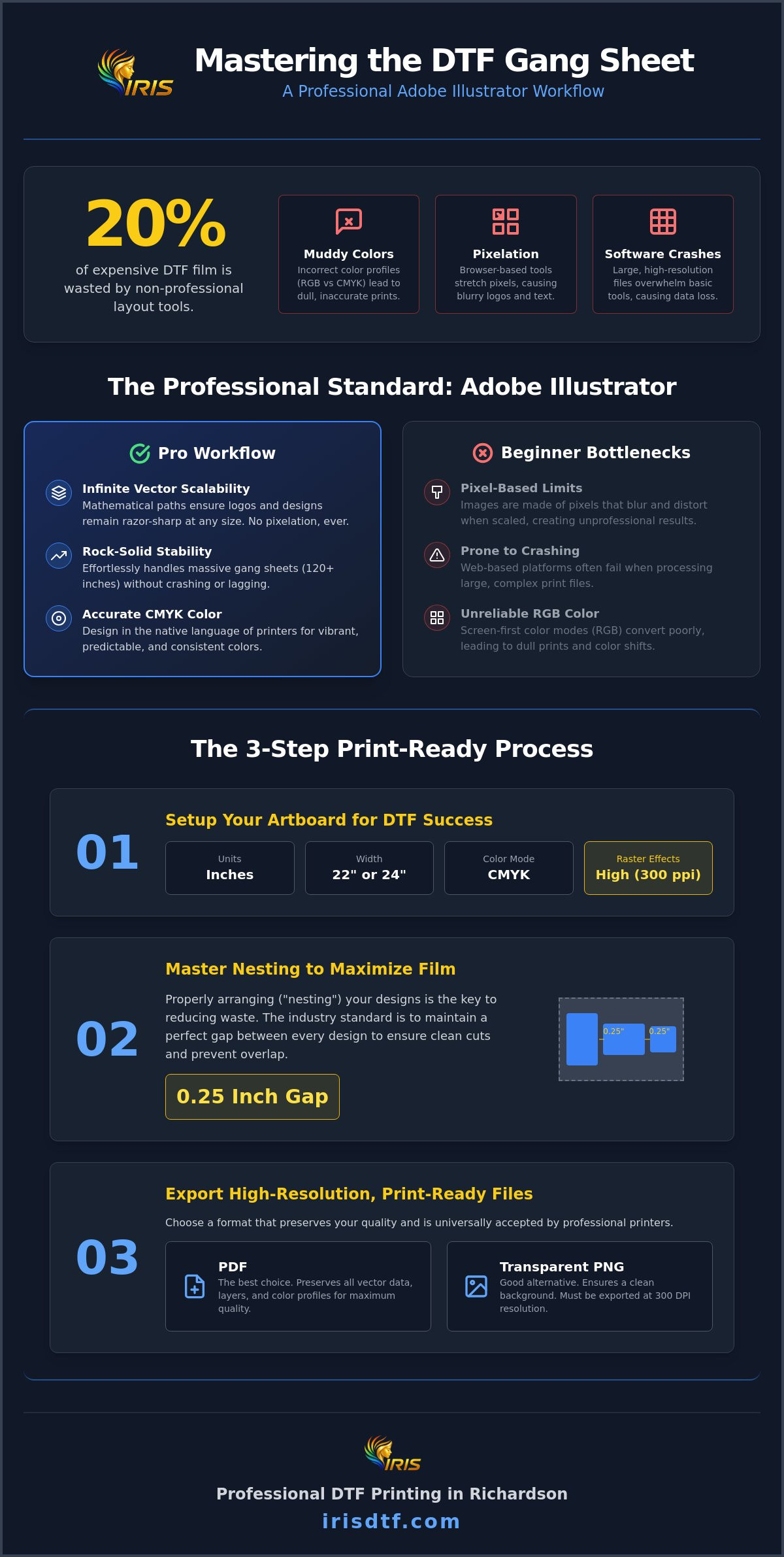
Open your industry-standard graphic design software and click "New File" to begin. This is the foundation of your entire project. When you are learning how to make a gang sheet in illustrator, the setup phase is where most errors occur. Get this right, and the rest of the process flows perfectly. Set your units to "Inches" immediately. Avoid using pixels or points. These units don't translate well to the physical world of apparel printing.
Match your artboard width to the professional equipment used at Iris DTF. We typically run 22-inch or 24-inch rolls. Setting your width to these exact specs ensures your designs fit the film perfectly without unnecessary waste. Your height is flexible. It should match your specific order needs. Whether you're filling a 60-inch or a 120-inch sheet, the software handles it with ease. This precision is why how to make a gang sheet in illustrator is the preferred method for serious DFW brands.
Don't miss the "Advanced Options" dropdown. This is the secret to high-resolution results. You must select "High (300 ppi)" for your Raster Effects. Even if you're working with pure vectors, this setting ensures that any dropshadows, glows, or rasterized images within your file remain crisp. Skipping this step is the fastest way to end up with a blurry, unprofessional print. It's a small toggle with a massive impact on your final product.
Configuring Color and Resolution
Always select CMYK Color Mode. DTF printers use cyan, magenta, yellow, and black inks to create your images. Designing in RGB might look bright on your screen, but it leads to dull, disappointing results on the heat press. High (300 ppi) is the non-negotiable standard for professional DTF. An Artboard is the printable area of your gang sheet, acting as the digital boundary for your physical film roll. Keep it clean and focused.
Naming and Organizing Your File
Organization drives efficiency. Use a standardized naming convention like [BrandName]_[Size]_IrisDTF_2026. This helps our Richardson team identify and process your order with lightning speed. Use Layers to separate different logo categories or sizes. This makes last-minute adjustments simple. Finally, set up 0.5-inch safety margins on all four sides. This prevents edge clipping and ensures your designs are safe during the high-speed printing process. Once your canvas is locked in, you're ready to start your DTF gang sheet production with total confidence.
Step 2: Arranging Designs and Mastering the Nesting Technique
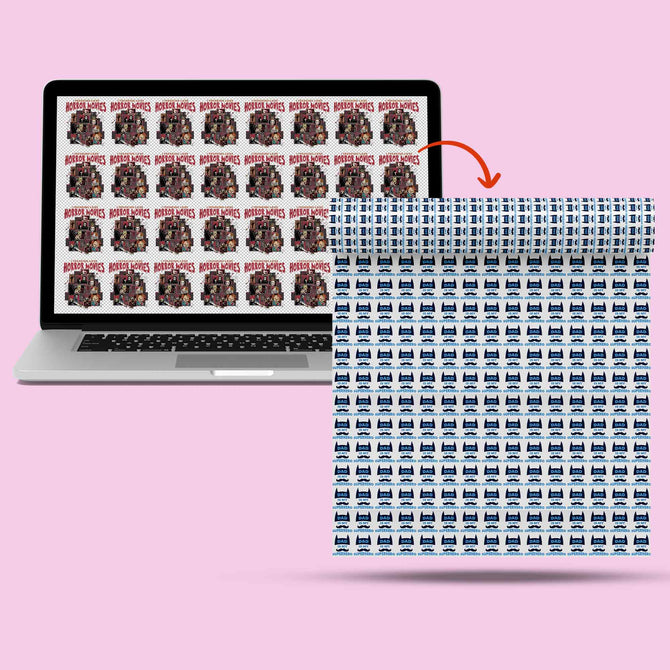
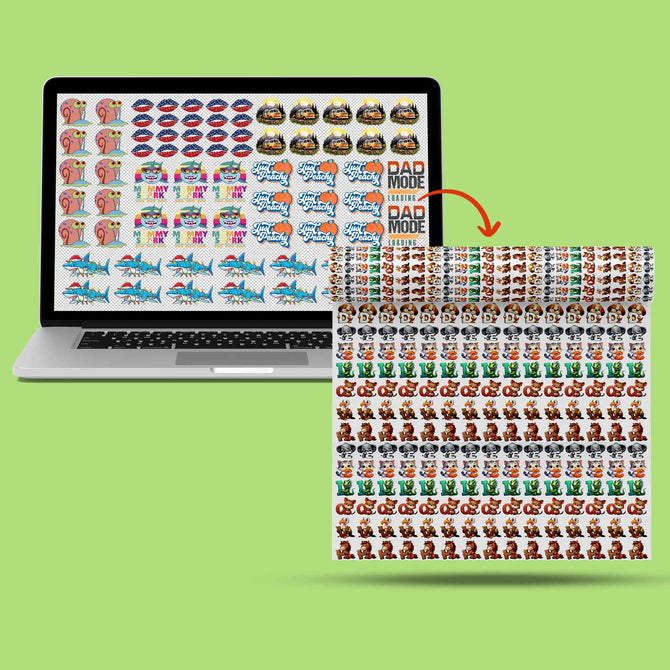
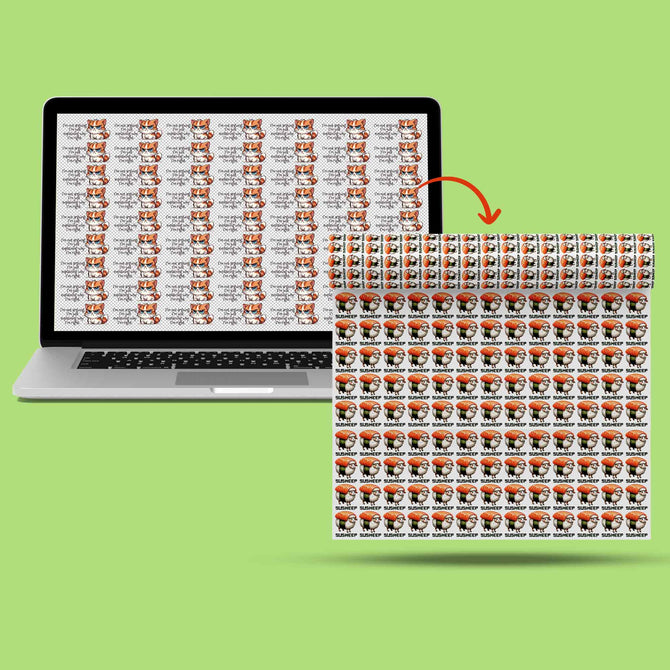
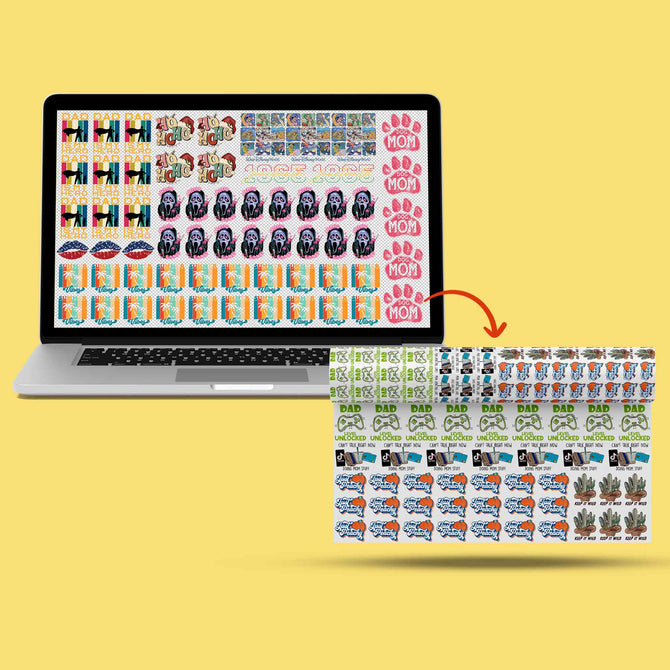
Mastering how to make a gang sheet in illustrator means thinking like a puzzle solver. Once your artboard is set, the goal is efficiency. Nesting is the professional technique of fitting smaller logos into the negative space of larger designs. Don't just line them up in a basic grid. Tuck a small sleeve logo into the curve of a circular back design. This strategy maximizes every square inch of your 22-inch roll. Keep a 0.25-inch minimum gap between every element. This ensures you have enough room for clean cutting at your Richardson shop without accidentally slicing into a neighbor's design. Rotate designs 90 degrees whenever it creates a tighter fit. Horizontal space is precious; use it wisely.
Optimizing Your Layout to Save Money
Speed is your ally. Use the "Alt + Drag" shortcut to duplicate logos in seconds. Turn on "Smart Guides" (Cmd+U) to snap designs into place and prevent accidental overlaps. The "Align" and "Distribute" panels are your best friends for creating perfectly even rows. A professional layout isn't just about looks; it's about reducing film waste. For a deeper dive into maximizing your order, check out our guide on Mastering DTF Gang Sheets for more advanced value tips.
Transparency and Quality Checks
Before you export, run a final quality check. Hit Cmd+Shift+D to toggle the "Transparency Grid." This reveals hidden white boxes that might be lurking behind your logos. If you see a solid white square, your print will have a solid white square. Delete it. Zoom in to 300% to identify low-res raster images. If it looks fuzzy on your screen, it'll look fuzzy on the shirt. Finally, select everything and go to Object > Expand. This converts fonts to outlines and strokes to solid shapes. It's the only way to prevent printing errors caused by missing fonts or scaling issues. Understanding how to make a gang sheet in illustrator correctly ensures your production never slows down.
Step 3: Exporting High-Resolution Files for Pro Printing
Your layout is finished. The nesting is tight. Now comes the most critical part of how to make a gang sheet in illustrator: the export. This is where many designers fail by choosing the wrong file format. PDF and PNG are the dual kings of the DTF industry. They preserve the transparency and resolution required for a flawless press. Never use JPEG. JPEGs lack transparency and will force the printer to lay down a solid white box around every design, effectively ruining your film. You need a file that communicates exactly where the ink should go.
Exporting for Screens is the fastest way to generate a clean, transparent PNG. Navigate to File > Export > Export for Screens. This tool is built for speed and accuracy, allowing you to export multiple artboards at once if needed. In the settings dialog, click the gear icon and ensure your "Background Color" is set to "Transparent." This simple toggle prevents the software from adding a white background to your artboard. Before you hit export, verify that your file dimensions match your artboard exactly. If you designed a 22-inch by 100-inch sheet, your export must reflect those dimensions to avoid scaling issues at the print shop.
The 'Save As PDF' Workflow
For the absolute best results, use the Save As PDF workflow. Select the "High Quality Print" or "Press Quality" presets to maintain every detail of your vector art. Iris DTF recommends PDF for the highest color accuracy, especially for complex Dallas brand colors. To keep your file size light and easy to upload, uncheck "Preserve Illustrator Editing Capabilities." This strips away unnecessary background data while keeping your print resolution at the professional standard. It's the most efficient way to handle high-volume orders without crashing the upload portal.
Final Quality Control Checklist
Precision is everything. Before you send your file to our Richardson facility, run a final sweep for stray pixels. These tiny, invisible dots can trigger white ink in the wrong places, leading to "speckling" on your finished apparel. Confirm all text is converted to "Outlines" to bypass any font compatibility issues. This ensures your typography looks exactly as intended, regardless of the software on the other end. Once your file is verified, you're ready to move to production. Order your custom DTF transfers now and let our 10 years of expertise bring your Illustrator files to life with vibrant, durable results.
Ordering Your Illustrator Gang Sheet from Iris DTF in Richardson
You've mastered the technical side. You know exactly how to make a gang sheet in illustrator to avoid pixelation and maximize your film usage. Now, it's time to put that file to work. At Iris DTF, we've spent 10 years perfecting the bridge between digital design and physical print. We don't just print; we partner with you to ensure your vision hits the fabric exactly as you intended. Our Richardson facility is built for speed and precision. When you upload your vector-perfect PDF or transparent PNG to our custom dtf transfers page, our team performs a final quality check. We ensure your colors are accurate and your layout is ready for the heat press.
Don't settle for generic online services that leave you waiting for a week. We understand the DFW hustle. Our workflow is designed for momentum. You've done the hard work of learning how to make a gang sheet in illustrator, so we make the ordering process just as efficient. Simply select your roll length, upload your file, and let our industrial-grade printers handle the rest. We're the final stage in your professional design journey, turning digital art into durable, high-quality apparel.
Fast Turnaround for DFW Brands
Deadlines don't wait. If you're based in Dallas, Plano, or Frisco, being local to Richardson matters. It means you can skip the shipping carrier delays and the risk of damaged rolls. We offer a 24-hour turnaround on most orders. This allows you to move from design to finished apparel in just one business day. Our team understands the Texas market and the specific needs of local creators who need results yesterday. Consider the benefits of our local service:
- Same-day shipping for orders placed before 2 PM CT.
- Zero shipping costs with our easy local Richardson pickup window.
- Direct access to experts with 10 years of industry experience.
Scale Your Business with Bulk Gang Sheets
Individual transfers are great for samples, but gang sheets are how you scale. Moving from individual transfers to high-volume gang sheet rolls allows you to take advantage of wholesale pricing. This is how growing Dallas-based clothing lines maintain their margins while expanding their reach. You've already optimized your layout to save money; now, maximize that value with our bulk production capabilities. Whether you're printing for a local event or stocking a national brand, we have the capacity to meet your demands. Check out our DTF Near Me page for specific local service details and directions to our shop. We're ready to work as your behind-the-scenes engine for commercial success.
Launch Your Next Collection with Total Confidence
You've moved from basic layouts to a professional, vector-first workflow. You've mastered the artboard settings, the money-saving nesting techniques, and the precise export steps required for 2026's print standards. By learning how to make a gang sheet in illustrator, you've ensured that every logo, gradient, and fine line remains razor-sharp from the screen to the shirt. Your designs are no longer limited by browser-based tools; they are ready for the commercial floor.
Iris DTF is here to handle the heavy lifting. With over 10 years of industry expertise, we specialize in turning your technical precision into vibrant, durable apparel. Take advantage of our fast 24-hour turnaround and convenient local DFW pickup right here in Richardson. Don't let your files sit on your desktop when they could be building your brand. We are your partner in production, ensuring every inch of your film is a win for your business.
Upload Your Illustrator Gang Sheet to Iris DTF Now and experience the difference that professional-grade printing makes. We're ready to bring your vision to life today.
Frequently Asked Questions
What is the best artboard size for a DTF gang sheet in Illustrator?
The best artboard width is either 22 inches or 24 inches to match professional DTF film rolls. Your height should correspond exactly to the length you've purchased, such as 60 or 120 inches. Always set your units to inches rather than pixels to ensure physical accuracy. This setup prevents scaling errors and ensures your designs fit perfectly on the printer's output without unnecessary margin waste.
Should I use RGB or CMYK color mode for DTF printing?
You should always use CMYK color mode for DTF printing. Digital printers use cyan, magenta, yellow, and black inks to recreate your artwork. Designing in RGB can lead to dull or shifted colors when heat-pressed onto a garment. By selecting CMYK in your document settings, you ensure that the vibrant colors you see on your screen are the same ones that appear on your finished apparel.
How do I make sure my Illustrator file is 300 DPI for printing?
Set your "Raster Effects" to "High (300 ppi)" during the initial document creation. This is a critical step in how to make a gang sheet in illustrator because it dictates the resolution of any effects like glows or shadows. Even when working with vectors, this setting maintains the crispness of any rasterized elements. You can verify this later under the "Effect" menu by selecting "Document Raster Effects Settings."
Why do I need to convert text to outlines before exporting?
Converting text to outlines ensures your typography prints correctly even if our system doesn't have your specific font. It turns your letters into solid vector shapes that won't shift or disappear. To do this, select your text and hit "Cmd+Shift+O." This simple action prevents production delays and guarantees that your brand's unique style remains intact throughout the entire printing process.
Can I include raster images (photos) in my vector gang sheet?
Yes, you can include raster images like photos within your vector gang sheet. However, these images must be at least 300 DPI at their final print size to avoid pixelation. We recommend embedding the images or ensuring they are properly linked before exporting. High-resolution photos combined with vector logos create a professional, multi-dimensional look that really pops on custom t-shirts and hoodies.
What is the maximum length for a gang sheet at Iris DTF?
Our Richardson facility specializes in high-volume production and can handle gang sheets up to 120 inches or more in a single file. This length allows you to maximize your film usage and streamline large-scale apparel runs. If you have a massive project that exceeds standard lengths, our team can help you split the files to maintain performance while keeping your production on schedule.
How do I ensure my gang sheet has a transparent background?
Ensure your background is transparent by checking the "Export for Screens" settings or the PDF save options. In the export dialog, click the gear icon and verify that "Background Color" is set to "Transparent." This is a vital part of how to make a gang sheet in illustrator because it tells the printer exactly where to apply white ink. If you miss this, you might end up with unwanted white boxes.
Can I pick up my gang sheet order locally in Richardson, TX?
Absolutely. We offer convenient local pickup at our Richardson, TX location for all DFW customers. This is the fastest way for business owners in Dallas, Plano, and Frisco to get their transfers without the wait or cost of shipping. Most orders are ready within 24 hours. Just select the local pickup option during checkout and stop by to grab your professional-grade gang sheets and get to work.